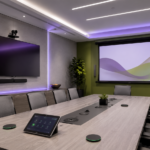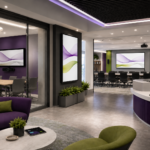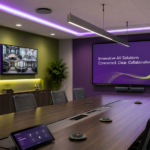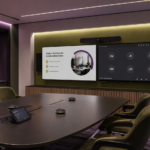
Visual communication plays a major role in how modern organizations share information, collaborate, and create better experiences for employees, visitors, students, patients, and customers. From conference rooms and classrooms to lobbies, training spaces, command centers, and public areas, displays are often the most visible part of an AV system. When selected and integrated properly, they can make a space easier to use, manage, and support every day.
In today’s hybrid and technology-driven work environment, organizations need display solutions that support more than basic presentation sharing. They need screens that help teams collaborate, share updates, guide visitors, support video meetings, and deliver consistent messaging across one location or many. That is where LG Business Solutions can play an important role.
As CCS discussed in its broader guide to AV integration for modern organizations and smarter national workspaces, the right technology brands can help organizations build more connected, reliable, and user-friendly environments. LG supports this goal through commercial display solutions designed for business, education, retail, hospitality, healthcare, and other professional settings.
Why Display Quality Matters in Modern Workspaces
A display is often the centerpiece of a room. In a meeting space, it may show a presentation, video call, dashboard, or shared document. In a lobby, it may welcome visitors, promote announcements, or provide wayfinding. In a classroom or training space, it may support instruction, collaboration, and interactive learning.
When displays are too small, too dim, difficult to manage, or not designed for commercial use, the AV experience can suffer. Content may be hard to see, meetings may feel less engaging, and staff may struggle to update messaging across multiple spaces. A well-planned LG display solution can help improve visibility, consistency, and communication throughout an organization.
LG offers a wide range of commercial display technologies, including digital signage, video walls, 4K displays, Direct View LED, OLED, commercial TVs, and interactive display options. These solutions can be tailored to different environments based on room size, viewing distance, content type, and organizational needs.
Supporting Collaboration, Signage, and Everyday Communication
Modern organizations often need displays to serve several purposes. A conference room display may support video conferencing, wireless presentation, dashboard reviews, and team collaboration. A lobby display may run branded content throughout the day. A training room may require larger screens or interactive tools that help presenters engage the audience. A multi-site organization may need digital signage that can be updated consistently across locations.
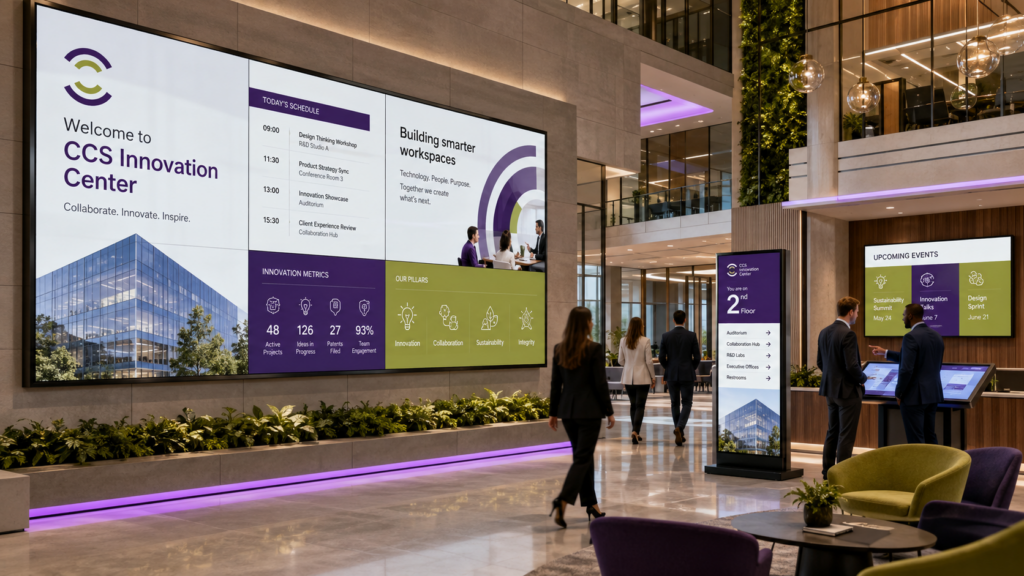
LG solutions can be part of a complete AV design that supports those goals. In smaller rooms, a commercial display can provide a clean, professional presentation experience. In larger boardrooms or executive spaces, larger-format displays or video walls can create a more polished environment. In high-traffic areas, digital signage can help organizations share updates, wayfinding information, promotions, schedules, or safety messaging.
The right display strategy depends on more than screen size. Brightness, resolution, mounting, control, content management, service access, and long-term support all matter. That is why display planning should be part of the larger AV integration process.
LG as Part of a Complete AV Integration Strategy
A strong AV system brings displays, audio, control, cameras, scheduling tools, networking, and content systems together into one connected experience. LG displays may work alongside microphones, speakers, video conferencing cameras, media players, control panels, and room management platforms. When everything is designed and configured correctly, users can focus on the meeting, lesson, presentation, or message instead of the technology.
For organizations with multiple locations, consistency is especially important. A national company may need conference rooms, lobbies, classrooms, or collaboration areas to look and function similarly across different offices or regions. Standardizing around dependable display solutions can simplify support, improve the user experience, and help IT and facilities teams manage technology at scale.
LG can support that approach with commercial display options that fit many room types and use cases. Whether an organization is upgrading one meeting space or planning display standards across multiple facilities, LG can be part of a scalable AV strategy.
Plan Smarter Display Solutions with CCS
Display technology is one of the most important parts of a modern AV environment. When it works well, information is easier to see, meetings feel more engaging, and communication becomes more consistent across the organization.
CCS helps organizations design and integrate AV solutions that support the way people work, learn, meet, and communicate. From conference rooms and training spaces to digital signage networks and national workspace standards, CCS can help determine how LG display solutions fit into a dependable AV environment.
If your organization is upgrading meeting rooms, improving digital signage, planning interactive spaces, or developing a multi-location AV standard, contact your local CCS office to start the conversation. The right display strategy can help your teams communicate more clearly today and build smarter workspaces for the future.