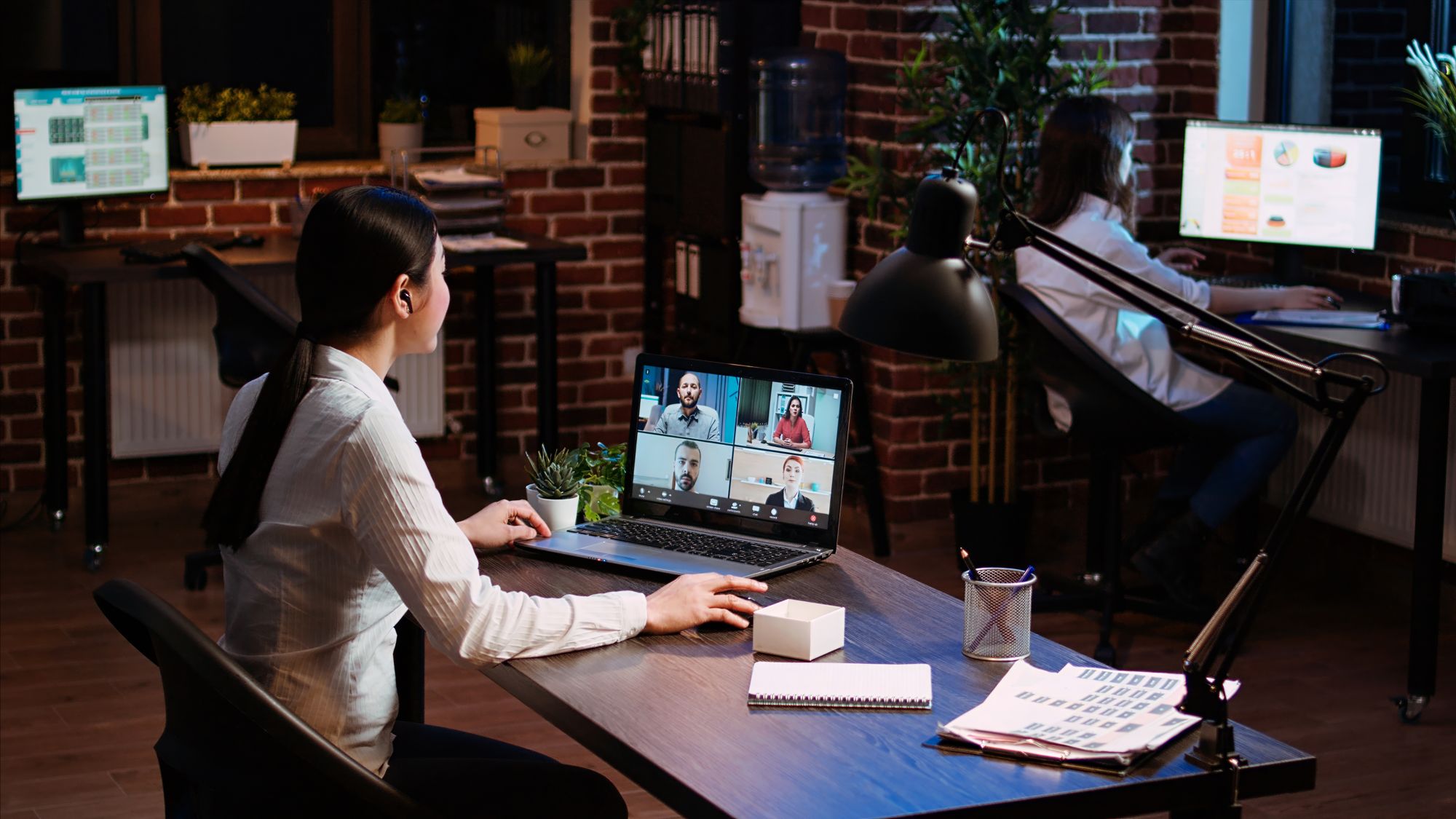
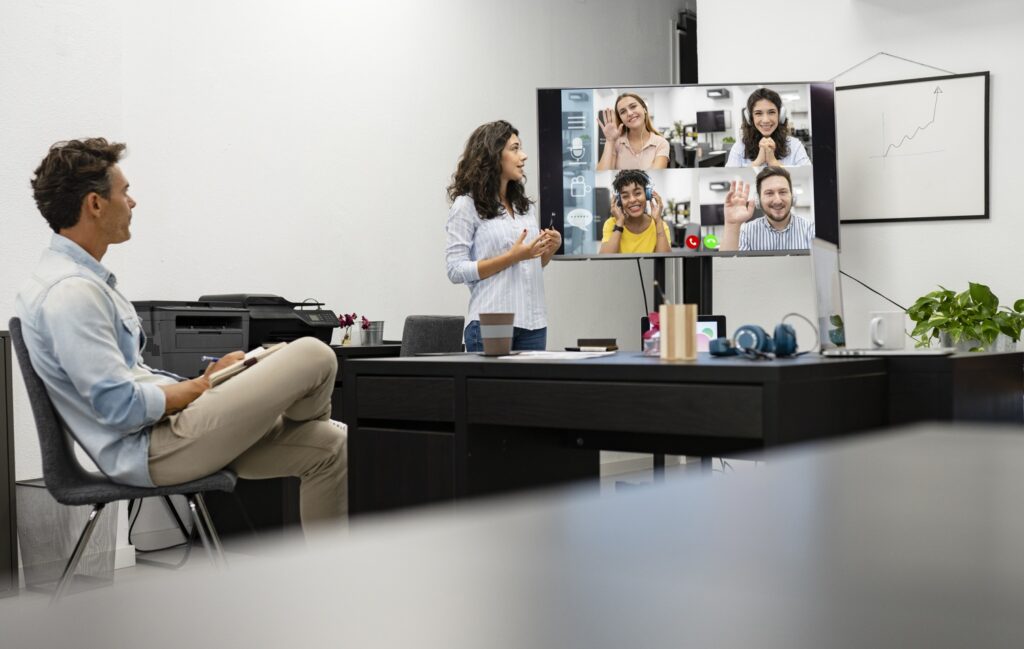
Hybrid meetings have quickly become the standard for businesses, schools, and organizations worldwide. The combination of in-person and remote participants offers flexibility, enabling collaboration across distances and time zones. However, while hybrid meetings may seem like a straightforward solution to modern work and learning environments, they often come with hidden complexities that can impede productivity and frustrate users.
The primary challenge organizations face with hybrid collaboration is ensuring a seamless experience for both in-person and remote participants. From technical difficulties to uneven participation, poorly planned hybrid systems can leave employees feeling disconnected and meetings unproductive. The complexity of managing multiple technologies and the need for real-time interaction across various platforms can overwhelm IT departments and lead to frequent support tickets.
To truly succeed in hybrid collaboration, enterprises need to address these challenges head-on by adopting comprehensive AV strategies that ensure smooth integration of both physical and virtual components. This involves creating an environment where technology enhances the meeting experience rather than becoming a barrier.
At CCS Presentation Systems, we specialize in designing AV solutions that help organizations simplify hybrid meetings, ensuring all participants-whether on-site or remote-can collaborate effectively. In this article, we’ll break down the hidden complexities of hybrid meetings, what enterprises often get wrong, and how to simplify the process to improve collaboration and productivity.
The Common Pitfalls of Hybrid Collaboration
Hybrid meetings sound great in theory: you have the flexibility of remote participants joining in, while in-person attendees can engage with each other face-to-face. However, the reality is often different. The following are some common pitfalls organizations face when implementing hybrid meetings:
1. Poor Audio and Video Quality
In a hybrid meeting, both audio and video quality are critical for keeping remote participants engaged and involved. Poor video quality can cause participants to miss key visual information, while poor audio quality makes it difficult for remote participants to understand what’s happening. As a result, people may tune out or become frustrated, which negatively impacts productivity and engagement.
Unfortunately, many organizations underestimate the importance of high-quality AV equipment. Without professional-grade microphones, cameras, and displays, hybrid meetings often end up with broken audio or blurry video feeds, making communication cumbersome.
2. Uneven Participation
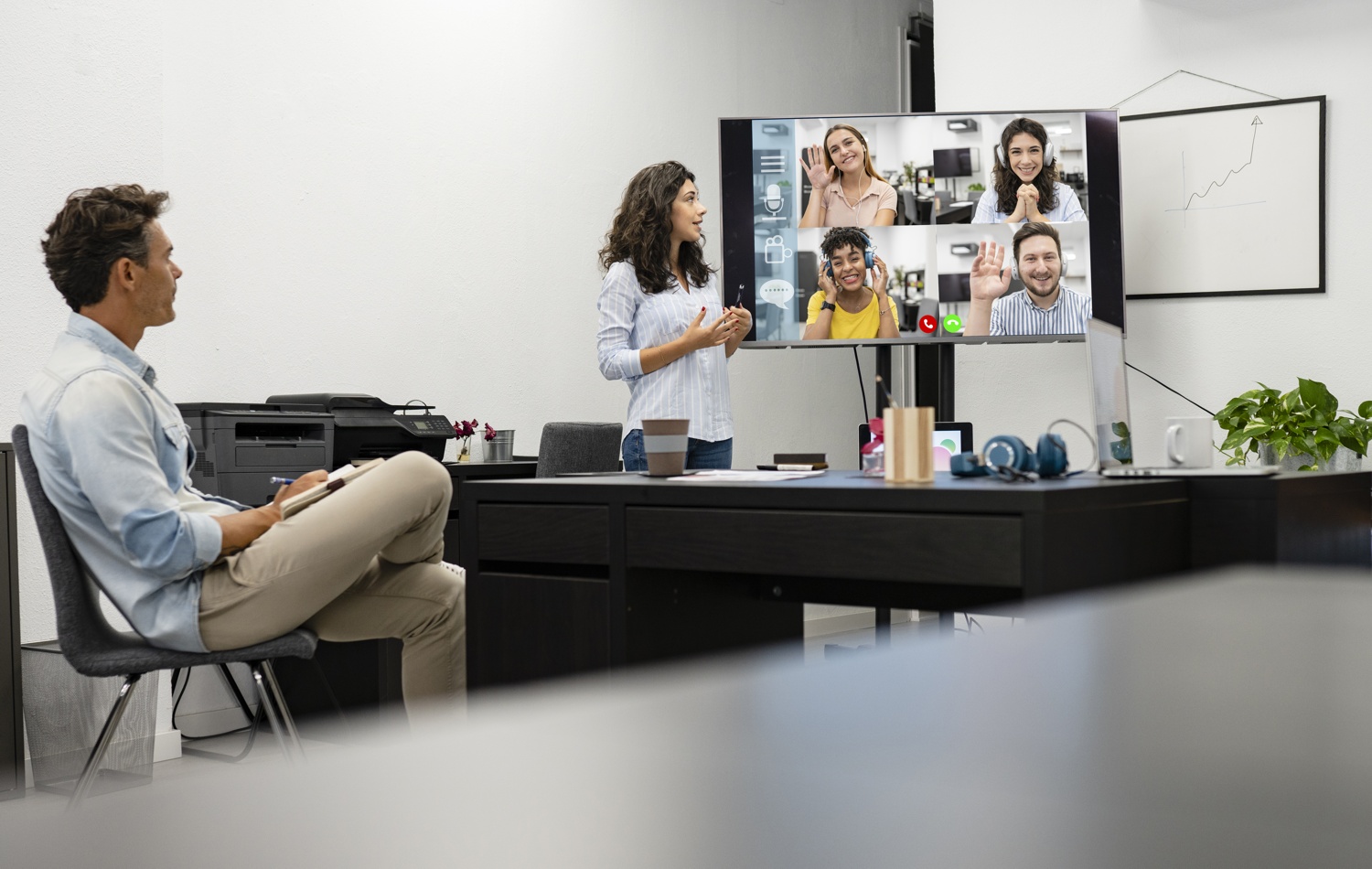
One of the biggest challenges in hybrid meetings is achieving equitable participation. When in-person attendees dominate the conversation, remote participants can feel left out or unheard. Often, remote employees struggle to make their voices heard, while in-person attendees are more visible and able to easily interact with one another.
This imbalance can make remote workers feel disconnected from the discussion, leading to disengagement and reduced productivity. Similarly, when remote participants do speak, it’s often hard for in-room participants to hear them clearly, especially if the microphones aren’t placed strategically or the room’s acoustics aren’t optimized for hybrid communication.
3. Disjointed Technologies
Hybrid meetings rely on a variety of technologies, from video conferencing platforms (such as Zoom, Microsoft Teams, or Google Meet) to presentation tools, microphones, cameras, and screens. When these systems aren’t integrated well, you may face issues with device compatibility, delays in screen sharing, or difficulty in managing various platforms simultaneously.
The complexity of switching between systems, controlling equipment, and ensuring synchronization between in-person and remote participants can quickly become overwhelming. This leads to disruptions, delays, and a frustrating user experience, often resulting in IT support calls and technical troubleshooting during meetings.
4. Unclear Meeting Control Systems
In a hybrid meeting, there are often multiple people involved in controlling different aspects of the meeting, such as adjusting microphones, switching between presentation slides, or managing video feeds. Without a clear and easy-to-use control system, it becomes easy for these tasks to get muddled, causing confusion or technical hiccups. For example, when remote participants can’t access the right screen share or when in-person participants accidentally mute the audio feed for everyone, the meeting can quickly derail.
How to Fix the Problems: Key Solutions for Streamlining Hybrid Meetings
Fortunately, these challenges can be solved with a thoughtful approach to AV integration, proper system design, and user-friendly solutions. The goal is to create a seamless, intuitive environment that fosters collaboration and ensures that all participants-whether remote or in-person-have an equal experience.
1. Invest in High-Quality AV Equipment
To prevent poor audio and video quality from sabotaging hybrid meetings, it’s essential to invest in professional-grade AV equipment. The quality of microphones, cameras, and displays directly impacts the effectiveness of hybrid meetings. Here are a few key considerations:
- High-Quality Microphones: For hybrid meetings, microphone placement is crucial. Directional microphones, ceiling-mounted mics, or smart beamforming microphones ensure that every participant can be heard clearly, regardless of their location. Avoid relying on handheld or desktop microphones that may not capture voices from all parts of the room.
- 360-Degree Cameras: Invest in cameras that are specifically designed for hybrid meetings. Cameras with pan-and-tilt capabilities and wide-angle lenses can ensure that both in-person and remote participants are clearly visible. Cameras equipped with speaker-tracking technology automatically adjust the view to show whoever is speaking, which helps create a more natural, engaging meeting environment.
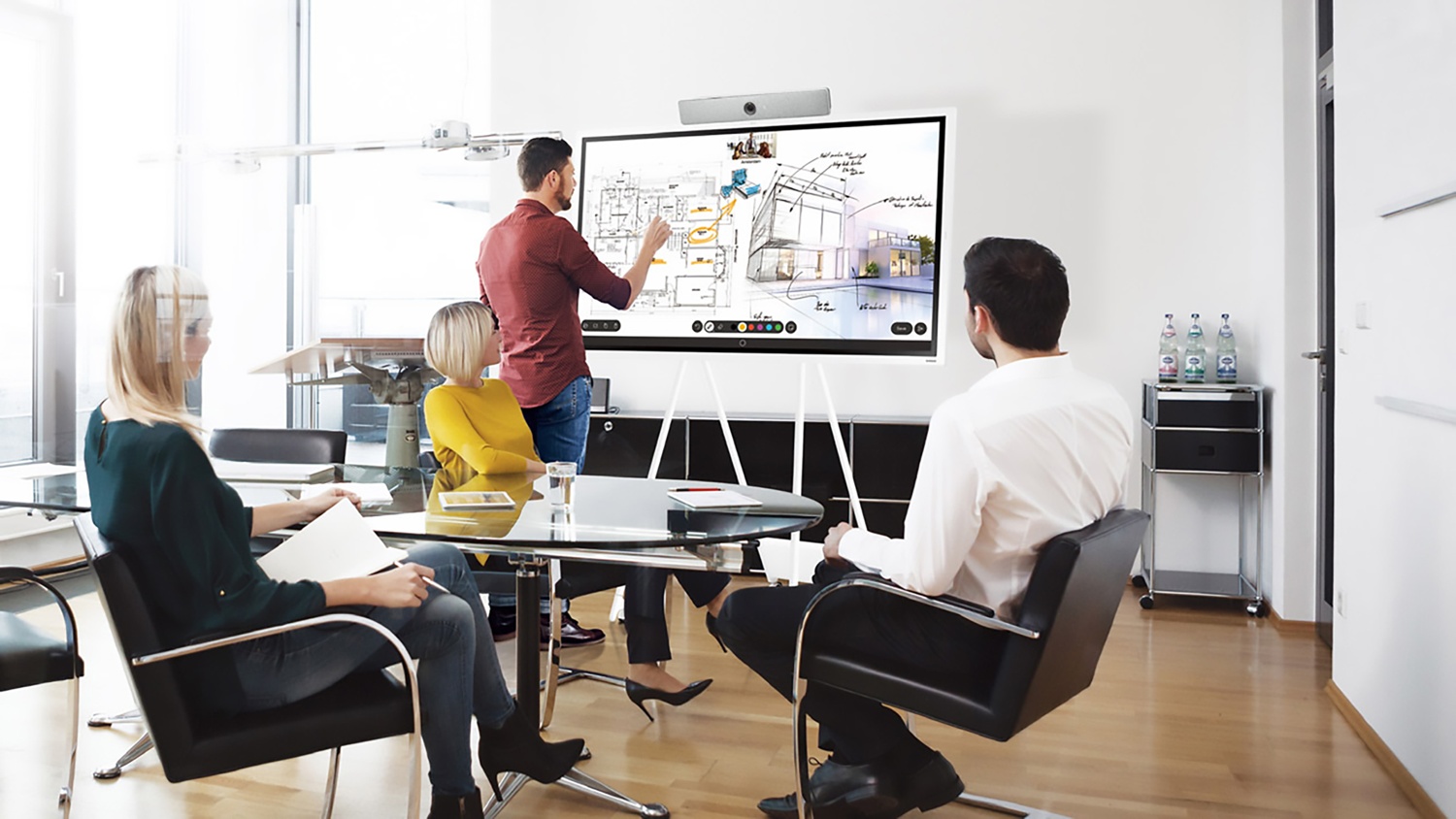
- Professional-Grade Displays: Displays and screens should be large enough to ensure that all participants can see both remote faces and shared content clearly. Interactive displays or digital whiteboards allow for real-time collaboration, allowing both remote and in-person participants to annotate and interact with content simultaneously.
2. Ensure Seamless Integration Across Platforms
One of the most effective ways to simplify hybrid meetings is to ensure all systems work together seamlessly. Hybrid meetings depend on multiple technologies, from conferencing software to hardware, and these need to be integrated for smooth operation. Here’s how to approach this:
- Unified Control Systems: A unified AV control system can simplify the management of meeting room technology. With an intuitive touchscreen interface, the host or IT team can easily control video conferencing, microphone levels, screen sharing, and more, without switching between multiple systems. This reduces confusion and allows meetings to run more efficiently.
- Platform Compatibility: Choose AV equipment that integrates well with a variety of conferencing platforms. Whether it’s Zoom, Microsoft Teams, Google Meet, or other solutions, the AV system should be compatible with all major platforms. This prevents delays and frustration when participants are forced to jump between platforms due to compatibility issues.
- Cloud-Connected Solutions: Many AV systems now integrate with cloud-based platforms, enabling real-time sharing of content and easier access to meeting recordings, files, and notes. Cloud-based systems also allow for remote monitoring, ensuring that any technical issues can be addressed proactively, reducing disruptions during meetings.
3. Optimize Room Layouts for Hybrid Collaboration
The physical layout of the meeting room plays a significant role in ensuring that remote and in-person participants can collaborate effectively. Consider the following tips:
- Room Design for Equal Visibility: Set up the room so that remote participants are equally visible to everyone in the room, not just to the person sitting at the front. Seating arrangements that allow for visibility of both the screen and the cameras help keep everyone engaged and connected.
- Strategic Microphone Placement: Place microphones strategically throughout the room, not just at the front. This ensures that all in-person participants can be heard clearly by remote attendees. In larger spaces, use ceiling microphones or directional mics that focus on specific areas.
- Lighting and Acoustics: Ensure that the room is well-lit to avoid dim or blurry video feeds. Avoid backlighting, as this can create shadowy, hard-to-see images of participants. Additionally, optimize the acoustics to reduce echoes and background noise, ensuring that conversations remain clear.
4. Simplify the User Experience
Hybrid meetings must be easy to use for everyone involved, regardless of their tech-savviness. A complex system can deter participants from using AV technology correctly, leading to delays and increased IT support requests.
- Intuitive User Interfaces: Choose AV equipment with user-friendly interfaces. Touchscreen controls, simple remote control systems, or voice-activated technology can make it easier for participants to manage the meeting room technology without calling IT support.
- Clear Instructions and Support: Provide clear, concise instructions on how to operate the AV system. Quick reference guides and visual aids should be readily available in meeting rooms, so users can troubleshoot common issues on their own.
- Training and Onboarding: Conduct training sessions to familiarize employees with the AV systems, particularly for those who frequently host hybrid meetings. Regular refresher courses or quick tips can also help ensure users are comfortable using the equipment and prevent misunderstandings.
Choose CCS Presentation Systems for Your Hybrid Meetings Needs
At CCS Presentation Systems, we specialize in designing and integrating AV solutions that simplify hybrid meetings, improve collaboration, and enhance user adoption. Our expert team works with businesses, schools, and organizations to create seamless AV environments that reduce IT support tickets and ensure productive, efficient meetings every time.
If you’re ready to take the complexity out of hybrid collaboration and improve the meeting experience for all your participants, contact CCS Presentation Systems today. Our solutions are designed to integrate seamlessly into your existing infrastructure and evolve with your needs, ensuring that your AV systems stay reliable, user-friendly, and effective.
Reach out to us now to learn more about how we can help streamline your hybrid meetings and optimize your AV systems for maximum collaboration and productivity.