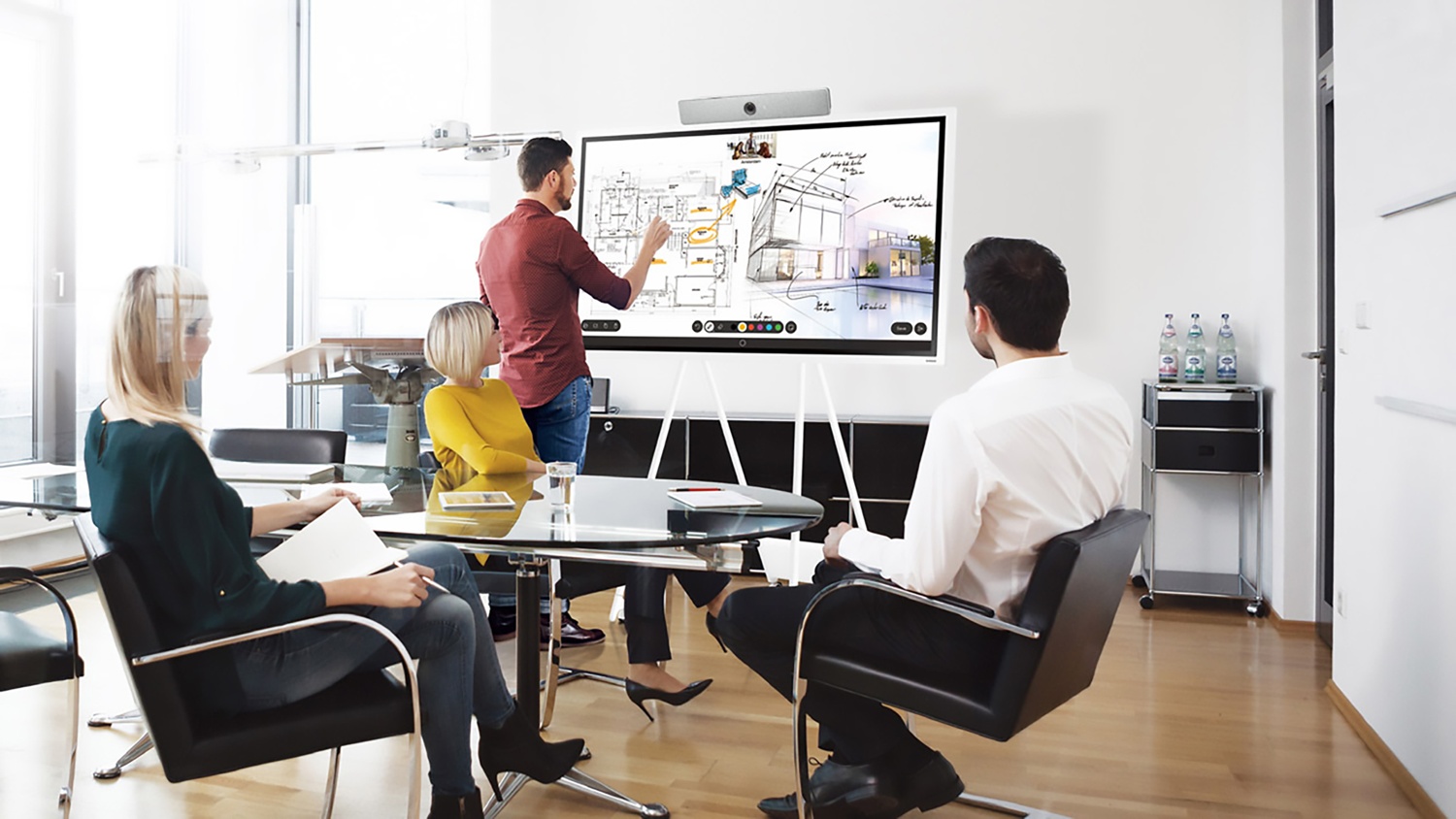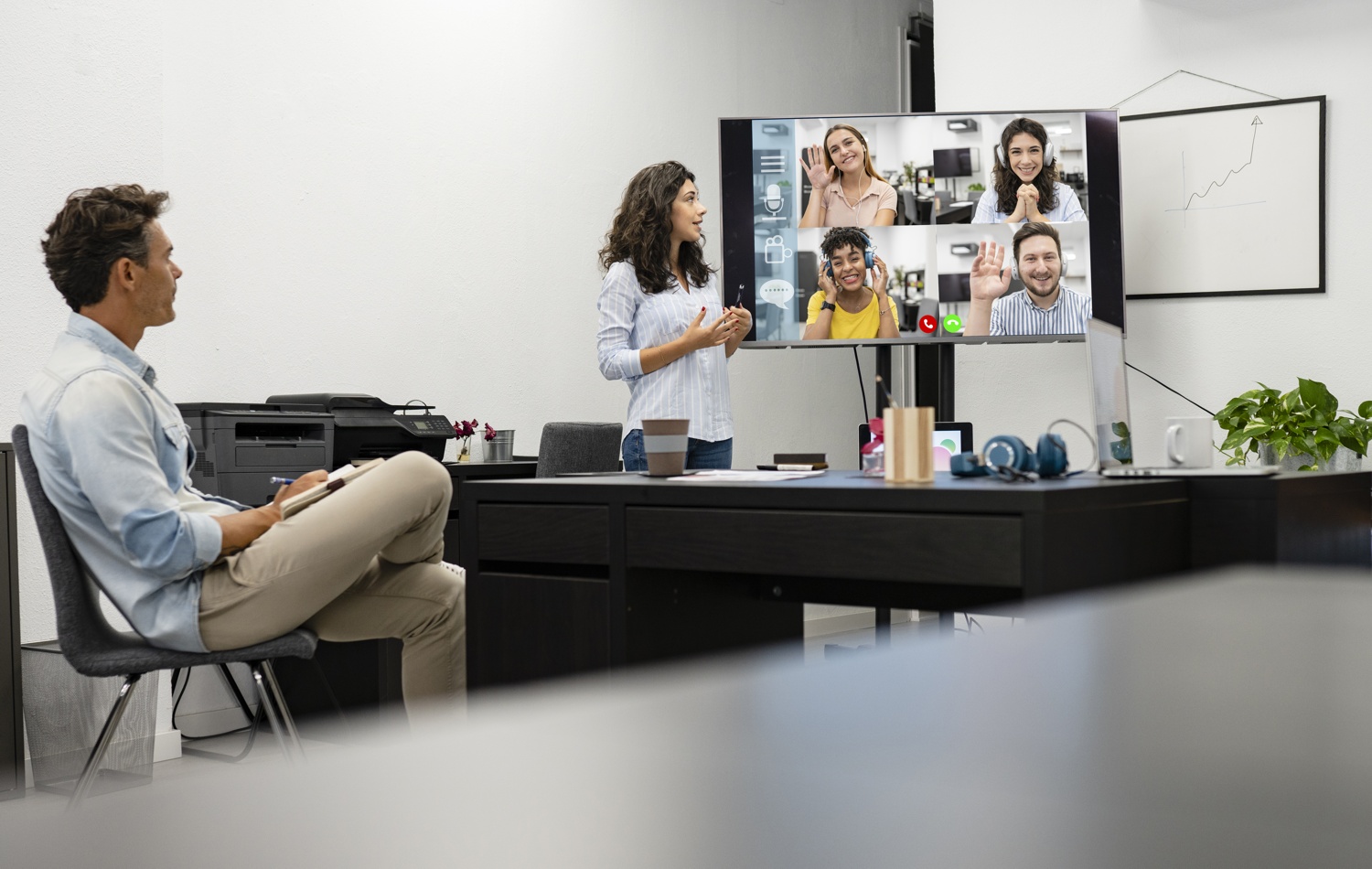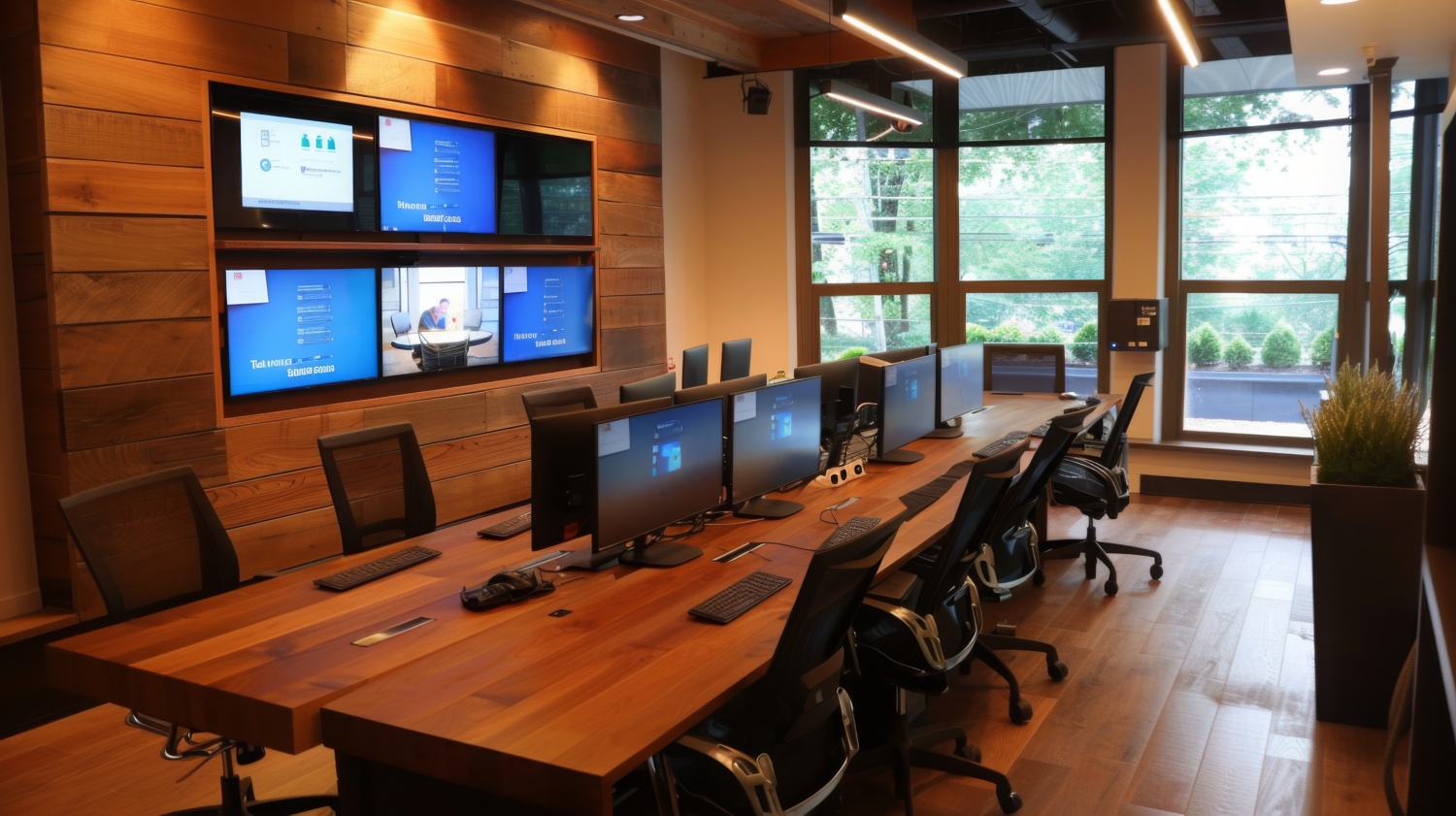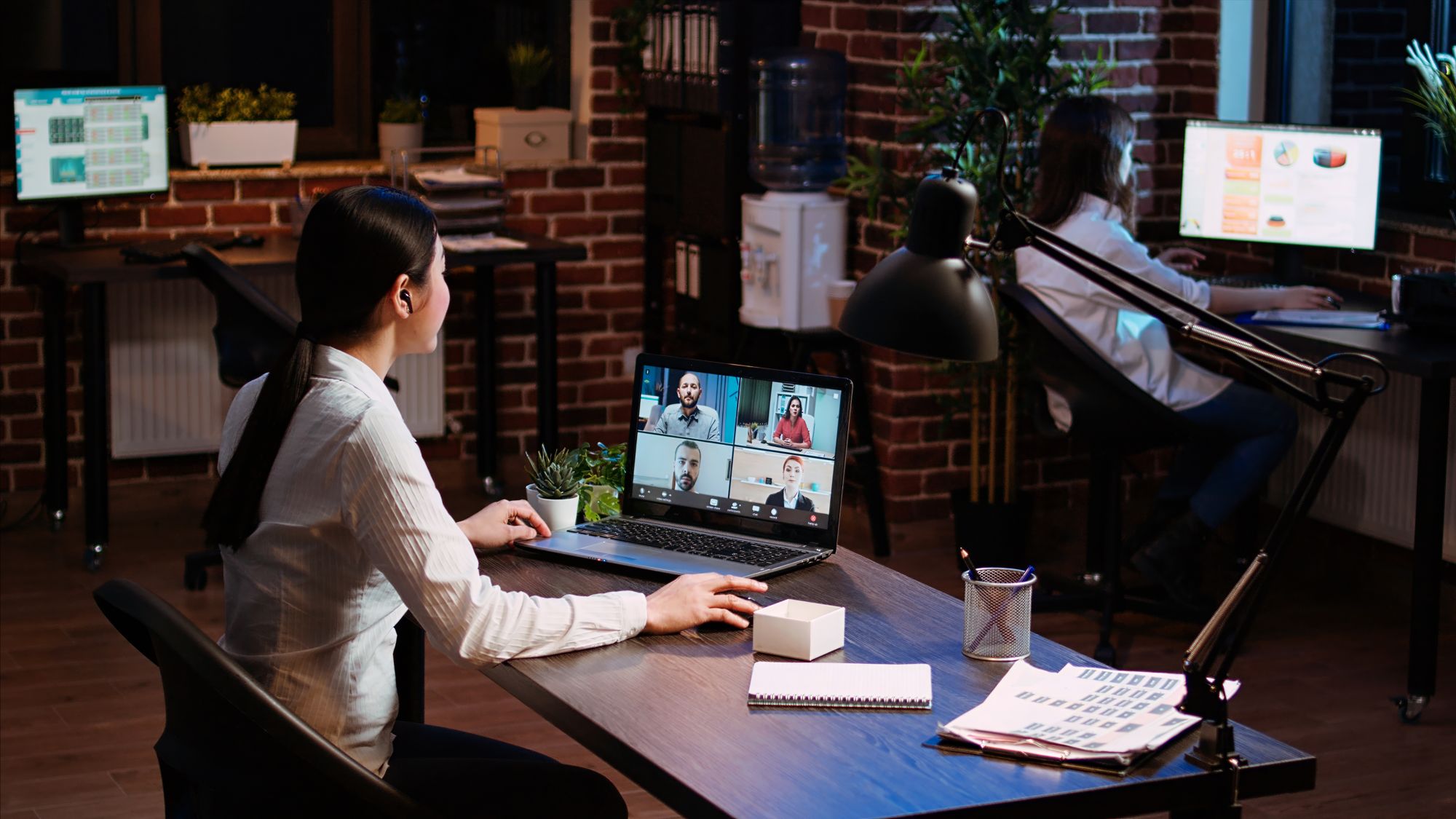

Audio-Visual (AV) systems play an integral role in today’s modern workspaces, schools, and other organizations. They facilitate communication, collaboration, and productivity, whether for internal meetings, remote video conferencing, or public presentations. As AV solutions become more connected and integrated with organizational networks and cloud platforms, they also introduce a variety of security risks that must be addressed to protect sensitive data, ensure the integrity of communications, and safeguard network resources.
In many enterprise environments, the security of AV systems is often an afterthought. While organizations focus heavily on securing their IT infrastructure and data, the AV systems that connect people and content are sometimes left vulnerable to attacks, unauthorized access, or data breaches. To fully protect your organization, security considerations must be embedded into every AV deployment.
At CCS Presentation Systems, we specialize in designing, installing, and integrating AV systems that are secure, reliable, and easy to manage. In this article, we will highlight the key security considerations every enterprise AV deployment should address, from network segmentation to device management in modern presentation systems.
Understanding the Security Risks in AV Systems
As AV systems become more sophisticated and interconnected with other technologies in the enterprise, they expose organizations to various types of security risks:
- Network Vulnerabilities: AV systems, especially those that are internet-connected or rely on cloud-based services, can introduce security vulnerabilities. These vulnerabilities can be exploited by cybercriminals to gain unauthorized access to sensitive data or disrupt business operations.
- Data Leakage: AV systems often handle sensitive information, such as meeting content, intellectual property, or personal data. Inadequate security measures can lead to unintended data leakage during presentations, video conferences, or content sharing.
- Unauthorized Access: Devices like microphones, cameras, and touch screens can be vulnerable to unauthorized access if not properly secured. Hackers could exploit these vulnerabilities to intercept communications or gain control over AV systems in conference rooms, classrooms, or public spaces.
- Denial of Service (DoS) Attacks: Just like IT systems, AV systems are susceptible to DoS attacks. A large-scale attack could disable presentation devices, video conferencing platforms, or collaborative tools, causing disruptions and downtime in meetings and educational environments.
To mitigate these risks, enterprises need to implement proactive security measures that cover network infrastructure, device management, data protection, and user access control. Below, we outline the essential security considerations for a successful AV deployment.
1. Network Segmentation for AV Systems
Network segmentation is one of the most critical steps in securing AV deployments. It involves separating the AV network from the core enterprise IT network to reduce the risk of a security breach spreading across the organization.
Why Network Segmentation Matters
AV systems, particularly those in conference rooms and classrooms, are increasingly relying on IP-based networks to function. This means that audio, video, and control signals are transmitted over the organization’s data network. If an AV system is compromised, it could serve as an entry point for cybercriminals to access sensitive business data or disrupt critical IT infrastructure.
To prevent this, organizations should create a separate VLAN (Virtual Local Area Network) for AV systems. This segment will isolate AV traffic from other network traffic, ensuring that even if an AV system is compromised, it won’t affect core business systems.
Additionally, firewalls and intrusion detection/prevention systems (IDS/IPS) should be configured to monitor and filter traffic between AV networks and other enterprise networks.
Best Practices for Network Segmentation
- Set up a dedicated AV VLAN to keep AV traffic isolated from other enterprise data and critical business systems.
- Implement firewalls and IDS/IPS systems to monitor and protect communication between the AV network and other internal networks.
- Regularly review network access control policies to limit unnecessary communication between AV systems and other network resources.
2. Device Management and Access Control
Every device in an AV ecosystem—whether it’s a microphone, camera, display, or control panel—represents a potential attack vector if not properly managed and secured. In an enterprise AV deployment, device management is crucial to ensure that only authorized users and devices can access and control AV systems.
Enforcing Strong Authentication
To prevent unauthorized access, implement strong authentication methods for users and devices that interact with the AV systems. This can include multi-factor authentication (MFA) for system administrators or meeting hosts, ensuring that only verified users can access sensitive AV resources.
Additionally, for cloud-based AV systems or AV equipment that interfaces with personal devices, consider requiring device authentication before allowing access. For example, a secure QR code or Bluetooth pairing process can help ensure that only trusted devices are allowed to connect to AV equipment.
Regularly Updating and Patching AV Devices
Many AV devices, especially those that are connected to the internet, require software or firmware updates to patch known security vulnerabilities. Outdated devices are easy targets for hackers looking to exploit known weaknesses. Regularly update the firmware on all AV equipment, especially IP-based devices, to ensure they are protected from the latest threats.
Best Practices for Device Management
- Require multi-factor authentication for accessing AV systems, especially for administrators or hosts of meetings.
- Regularly update and patch AV system software, firmware, and apps to ensure that all known vulnerabilities are addressed.
- Limit access to AV systems through role-based access control (RBAC) and only allow authorized personnel to configure or control the system.
3. Data Encryption and Secure Content Sharing
AV systems often handle sensitive or confidential data, such as intellectual property, personal information, or client details. Data encryption should be a priority to protect this information during meetings, presentations, and video conferences.
Encrypting Audio and Video Streams
Encrypt all audio and video streams transmitted over the network to protect against eavesdropping and man-in-the-middle attacks. Modern video conferencing platforms, like Zoom and Microsoft Teams, support end-to-end encryption (E2EE) for meetings, but it’s important to ensure that this feature is enabled and configured properly.
Secure Content Sharing
When sharing documents, presentations, or screen content during meetings, use secure methods such as encrypted file transfer or cloud storage services that offer built-in security features like access controls and password protection.
Best Practices for Data Protection
- Always use encryption (either transport layer security (TLS) or end-to-end encryption (E2EE)) for audio, video, and screen sharing in AV systems.
- Ensure that all sensitive data is protected during transmission and storage by using secure methods such as encrypted cloud storage or virtual meeting platforms with built-in security.
- Implement access controls to limit who can share content or access specific files in meetings.
4. Monitoring and Auditing AV Systems
Once an AV system is deployed, it’s crucial to continuously monitor its performance and security. Regular monitoring can help identify potential vulnerabilities before they become a problem, and auditing provides valuable insights into who is accessing the system and how it’s being used.
Monitoring for Suspicious Activity
Use monitoring tools to keep track of AV system activity, including device connections, content sharing, and access attempts. If an unusual login or unauthorized access is detected, an alert can be triggered, allowing IT teams to respond proactively.
Conducting Regular Audits
Regular audits of AV systems and associated devices should be performed to ensure that the right security measures are in place and that only authorized devices and users have access to the systems. This includes reviewing device configurations, ensuring firmware updates are applied, and checking for any weak points in system access control.
Best Practices for Monitoring and Auditing
- Implement a continuous monitoring system for all AV devices, looking for any signs of unauthorized access or suspicious activity.
- Conduct periodic audits of AV systems to ensure that devices are properly configured, updated, and protected against vulnerabilities.
- Keep detailed logs of who accesses the AV systems and when, in order to detect potential breaches or misuse.
5. User Education and Awareness
While strong technical measures are essential, user awareness and training play a significant role in maintaining AV system security. Employees should be educated on the risks associated with AV systems and how to protect sensitive information during meetings.
Training for Secure Usage
Offer regular training sessions that explain the importance of security within the AV ecosystem. Users should understand how to set up secure video conferences, how to manage content sharing securely, and how to report security issues.
Security Policies and Guidelines
Develop and communicate clear security policies regarding the use of AV systems. This includes guidelines on acceptable usage, what information can and cannot be shared, and the importance of protecting meeting data.
Partner with CCS Presentation Systems for Your Next AV Integration Project
At CCS Presentation Systems, we understand that securing your AV systems is just as important as their functionality. We specialize in designing and implementing AV systems that are not only reliable but also secure. Our experts will work with you to ensure that your AV systems are configured to protect your organization’s sensitive information, minimize vulnerabilities, and keep your network safe from cyber threats.
If you’re ready to enhance the security of your AV infrastructure, contact CCS Presentation Systems today. We’ll help you design and integrate AV systems that meet your organization’s needs while keeping security top of mind. Reach out to us now to discuss how we can help secure your AV deployments and ensure smooth, secure collaboration across your organization.